
Searches for "best IPTV player for Windows PC" usually mix up two separate questions: which app to use, and which content source to connect it to. The player is just the interface, whether what you watch through it is properly licensed depends entirely on the source you connect it to, not the app itself.
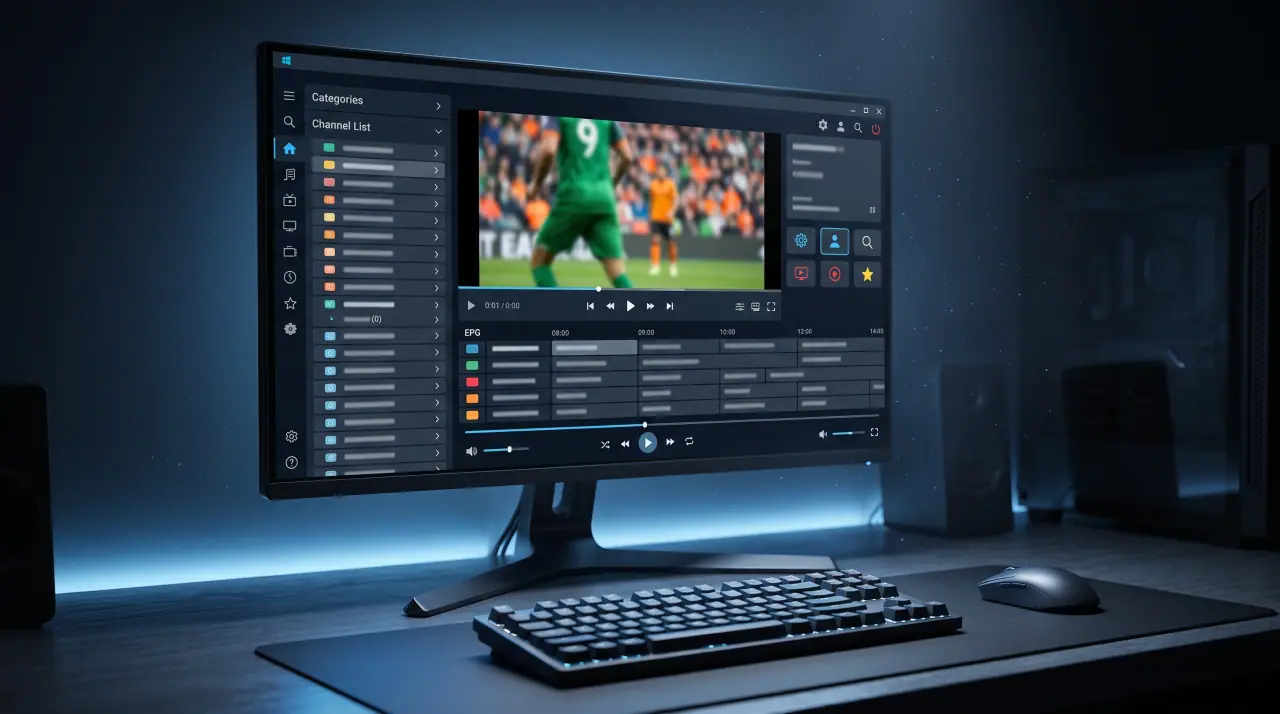
Player app vs. content source
An IPTV player for Windows takes a playlist or login (M3U URL, or Xtream Codes username, password, and server) and turns it into a browsable, playable channel list. It doesn't host or provide any content itself. "Best IPTV player" lists often blend player recommendations with source recommendations, when they're really separate decisions, one about software, one about where your subscription actually comes from.
What actually makes a Windows player good
- M3U and Xtream Codes support. These are the two connection methods almost every provider uses.
- EPG support. A program guide makes a channel list actually navigable.
- System resource use. Some players are noticeably heavier on CPU and memory than others, worth checking if you're running it alongside other applications.
- Official download source. Get the app from the developer's own site or a recognized store listing, not a third-party download aggregator.
Setup basics
- Download the player from its official source and install it.
- Open the app and choose to add a playlist or account.
- Enter your M3U playlist URL, or your Xtream Codes username, password, and server address.
- Add an EPG URL if your provider supplies one separately, then give the app a moment to load your channel list.
Using GetTV.online on Windows
GetTV.online works with standard IPTV player apps on Windows, connected using the M3U or Xtream Codes details sent after your subscription or trial is activated. Request a free trial to test a player with a real, licensed connection, or see our setup guide for other devices.
FAQ
Is using an IPTV player on Windows legal?
Yes, the player software itself is just an interface. Legality depends entirely on whether the content source you connect it to is properly licensed.
What connection details does a Windows IPTV player need?
Either an M3U playlist URL, or an Xtream Codes username, password, and server address, plus an EPG URL if supplied separately.
Where should I download an IPTV player from?
The developer's own official site or a recognized store listing, rather than a third-party download aggregator.
Does GetTV.online work with Windows IPTV players?
Yes. Request a free trial to test it on your PC.