
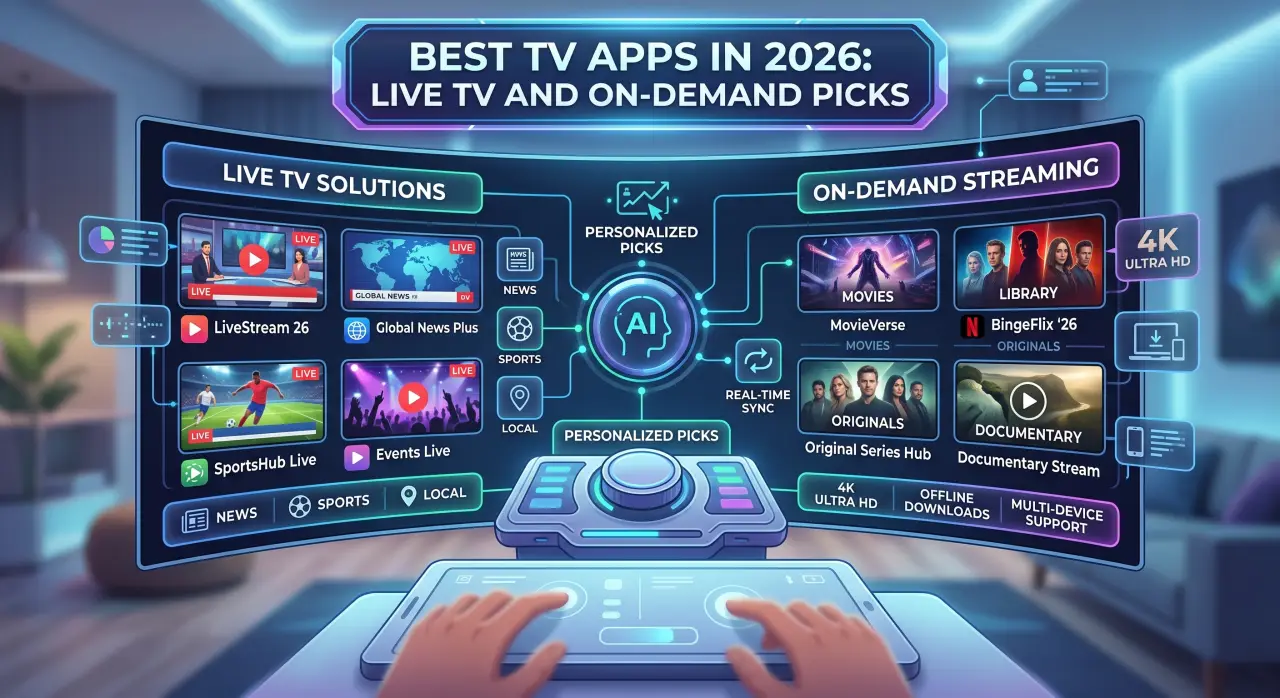
The best TV apps aren't one category — the right pick depends entirely on whether you want a library of shows to browse on your own schedule, continuous live channels the way cable works, or both in one place. A lot of "best apps" lists skip this distinction and just name popular apps, which is why so many people end up with the wrong one for what they actually watch.
Quick Picks by Category
- Want an on-demand library? A dedicated streaming service built around a show/movie catalog is the right fit — you pick what to watch and when.
- Want live channels, including sports and news? A live TV app or IPTV subscription is what actually delivers a continuous channel feed, the way cable used to.
- Want both without juggling separate apps? A broader IPTV subscription like GetTV.online bundles live channels and an on-demand library into one app.
What Actually Makes a TV App Good
Before comparing specific apps, it helps to know what actually separates a good one from a mediocre one:
- Content type match. The single biggest factor — an app built for on-demand browsing won't give you live channels, and vice versa. Match the app to what you actually watch, not its popularity.
- Device support. An app that doesn't run well on your actual TV, streaming stick, or phone isn't a practical pick regardless of its content.
- Cost structure. A flat subscription, an ad-supported free tier, or a bundle with add-ons all affect the real cost differently over time, especially if you're combining multiple apps.
- EPG and navigation. For live TV apps specifically, a program guide makes a channel list actually usable instead of a flat, unlabeled list.
- Official distribution. Apps available through an official app store or the provider's own site are a safer bet than third-party download links.
Best for On-Demand Libraries
On-demand apps are built around a catalog you browse and start whenever you want. This is the category most people picture first when they hear "streaming app" — think of the major subscription services known for original shows and movie libraries, plus ad-supported free options with a smaller, rotating catalog. The trade-off between paid and free tiers usually comes down to catalog size and ad frequency rather than a difference in how the app works.
If what you want is specifically a library to browse, this category is the right fit — see our breakdown of streaming apps for how on-demand and live TV genuinely differ under the hood.
Best for Live TV Channels
Live TV apps stream a continuous channel feed rather than a library — the same experience as flipping to a channel on cable, just delivered over the internet. This category splits into a few distinct types worth knowing apart: provider companion apps (for a cable subscription you already pay for), free ad-supported live apps with a smaller channel count, cable-replacement bundles with their own negotiated lineup, and IPTV apps that connect to a broader subscription using login credentials from your provider.
Our guide to live TV app types covers these categories in more depth if you're not sure which one actually fits what you want.
Best for Specific Needs
- Sports fans: Check that the specific networks airing the games you care about are actually included — a large total channel count means little if the one you need isn't in it.
- International or multilingual households: Look specifically for apps or subscriptions that list international channel categories by region and language, since this varies a lot between general-purpose apps.
- Cord-cutters wanting the full cable experience: A broad IPTV subscription with EPG and catch-up support is usually the closest match to what cable actually offered, without the contract.
- Budget-conscious viewers: Ad-supported free apps cover basic on-demand or live needs, though usually with a smaller catalog or channel list than a paid option.
Comparison at a Glance
| App category | Content type | Typical cost | Best for |
|---|---|---|---|
| Major on-demand subscription services | On-demand library | Monthly subscription | Browsing shows/movies on your own schedule |
| Free ad-supported apps | On-demand or limited live | Free, ad-supported | Budget-conscious casual viewing |
| Provider companion apps | Live TV | Included with existing cable/satellite | Watching a subscription you already pay for on more devices |
| Cable-replacement bundles | Live TV, sometimes on-demand | Monthly subscription | Replacing cable with one company's own channel lineup |
| IPTV subscriptions | Live TV + on-demand | Monthly/longer-term plans | A broad lineup without being tied to one cable provider |
For the combined live-TV-plus-on-demand category specifically, GetTV.online delivers 40,000+ live channels and 150,000+ movies and series in one app, across Smart TVs, Fire TV, Android, and iOS. Our setup guide covers installation on each device if you're getting started.
FAQ
What's the single best TV app?
There isn't one universal answer — it depends on whether you want an on-demand library, live channels, or both. The "best" app is the one that matches your actual viewing habit, not the most popular name.
Do I need more than one TV app?
Possibly, if you want both on-demand and live content and your apps don't overlap in coverage. Some households combine a couple of specialized apps; others use one broader subscription that covers both.
Are free TV apps worth using instead of paid ones?
Free, ad-supported apps typically offer a smaller catalog or channel list than paid alternatives. Whether that trade-off is worth it depends on how specific your content needs are.
How do I know if a TV app will work on my device?
Check the app's official listing for your specific device and TV model before subscribing — support varies more than people expect, even among similar-looking devices.
What's the difference between a live TV app and an IPTV app?
Both stream live channels over the internet. "IPTV app" specifically refers to a player connected to a broader, often independent subscription using login credentials, while "live TV app" can also mean a company's own cable-replacement bundle with its own negotiated lineup.
Can I try an app before committing to a subscription?
GetTV.online's free trial is one way to confirm an IPTV subscription works well on your own devices before paying for a longer plan.