
"Live TV app" gets used as a catch-all term, but it actually covers a few genuinely different things: an app that just mirrors a cable subscription you already pay for, a free app supported by ads, and an app that replaces cable entirely with its own bundle of live channels. Knowing which category you actually want is most of the decision — the specific app matters less than the category.
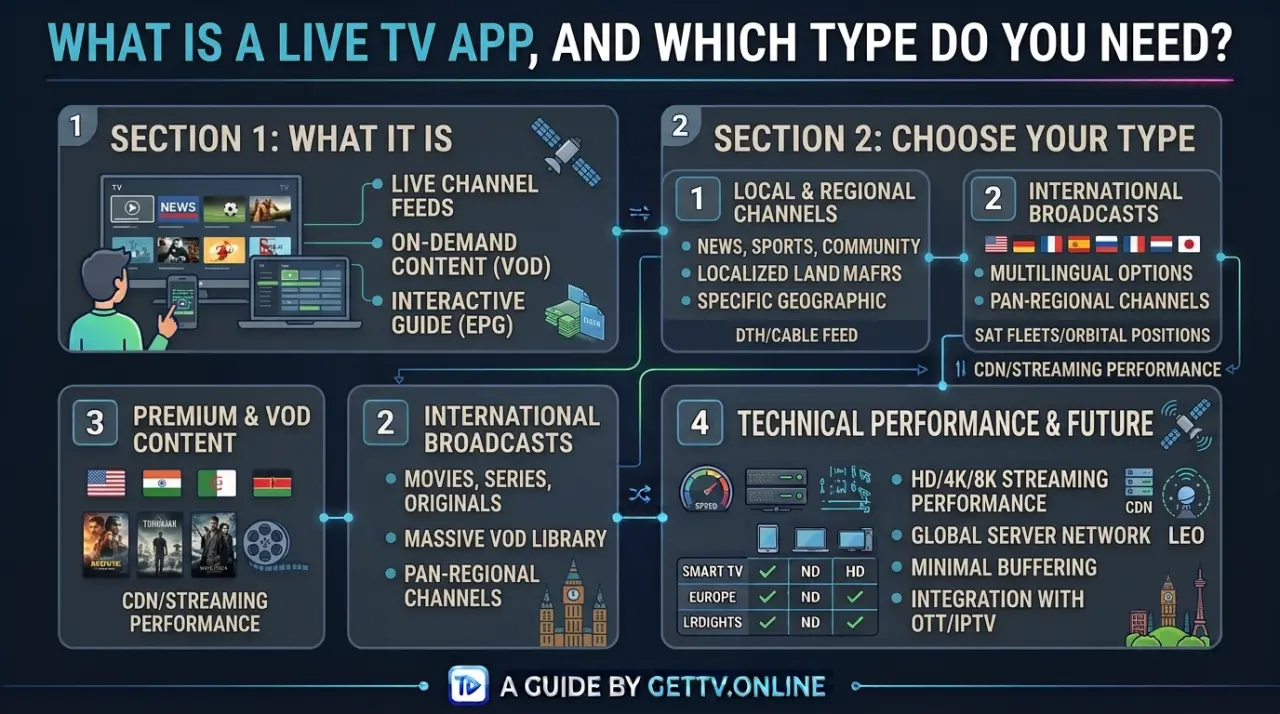
The Real Categories of Live TV Apps
Most apps that call themselves a "live TV app" fall into one of four groups, and they solve different problems:
- Provider companion apps — released by a cable or satellite company you already subscribe to, letting you stream the channels you're already paying for on a phone, tablet, or smart TV instead of just the set-top box.
- Ad-supported free apps — no subscription fee, funded by advertising, usually offering a smaller or more general channel lineup than a paid service.
- Cable-replacement bundles — a paid monthly subscription that packages live channels and cloud DVR into one app, designed to substitute for cable entirely rather than complement it.
- IPTV apps — a player app that connects to a live-TV subscription over the internet using your provider's login details, similar in concept to a cable-replacement bundle but typically sourced from a broader, independent IPTV subscription rather than one company's own negotiated lineup.
Which Category Actually Fits What You Want
If you already pay for cable or satellite and just want to watch it on more devices, a provider companion app is the direct fit — it's usually included with your existing subscription at no extra cost. If you don't want to pay for TV at all and are fine with a smaller, ad-supported lineup, that's the free-app category, though the channel selection tends to be limited compared to a paid option.
If what you actually want is to drop cable or satellite entirely and get a broad channel lineup through one app, that's the cable-replacement or IPTV category. The difference between those two usually comes down to how the channel lineup is sourced: a cable-replacement bundle offers one company's negotiated set of channels, while an IPTV subscription like GetTV.online works through a player app connected to a broader lineup — 40,000+ live channels and 150,000+ movies and series in this case — using your account's login credentials.
What to Check Before Installing One
| Check | Why it matters |
|---|---|
| Where it's actually downloaded from | An official app-store listing or the provider's own site is safer than a random APK or third-party download link. |
| What login or subscription it requires | Provider companion apps need your existing account; IPTV apps need the login details from your specific subscription. |
| Whether the channel lineup matches what you expect | App names don't always make the actual channel list obvious — confirm before committing. |
| Permissions the app requests | Be cautious of apps asking for permissions unrelated to streaming video. |
Device and App-Store Support
Most legitimate live TV apps are built to run across phones, tablets, smart TVs, and streaming devices, and are distributed through each platform's official app store — that consistency is itself a reasonable signal of legitimacy. An app that's only available as a direct download outside any official app store, with no listing you can verify, is worth being more cautious about before installing.
For an IPTV subscription specifically, the "app" is typically a separate player you install once, then connect to your subscription — see our IPTV setup guide for how that connection process actually works.
FAQ
Is a live TV app the same as a streaming service?
Not exactly. "Streaming service" often refers to on-demand libraries like Netflix, while a live TV app specifically streams live channels — some apps do both, but they're distinct features.
Do I need a subscription to use a live TV app?
It depends on the category. Provider companion apps require your existing cable or satellite subscription, cable-replacement bundles and IPTV apps require their own subscription, and ad-supported free apps typically don't require payment.
Can I use a live TV app without cable or satellite?
Yes — cable-replacement bundles, IPTV apps, and ad-supported free apps are all designed to work without a traditional cable or satellite subscription, as long as you have a reliable internet connection.
What devices do live TV apps work on?
Most work across phones, tablets, smart TVs, and common streaming devices, though exact support varies by app. Check the specific app's listing for your device before subscribing. GetTV.online's free trial is one way to confirm compatibility with your own setup before committing.