
Cancelling and pausing a YouTube TV subscription are two different actions with different consequences for your account and billing. Here's how each actually works.
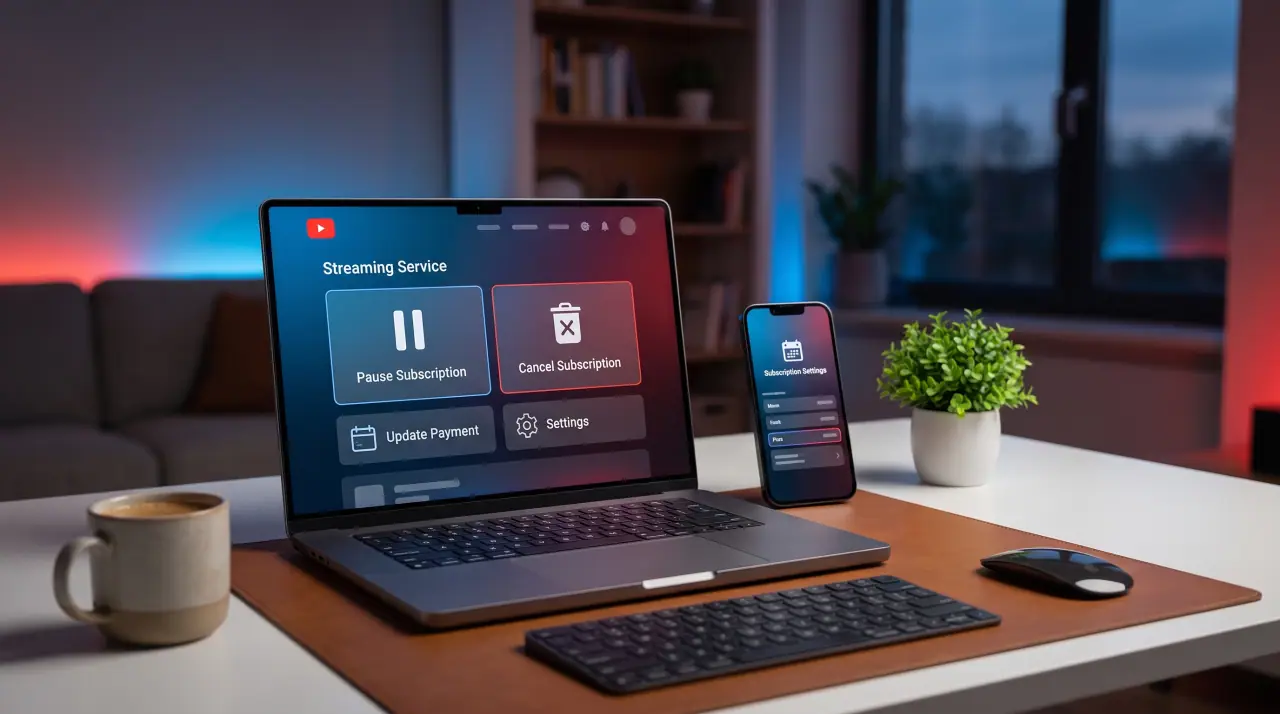
Cancelling vs. pausing: the actual difference
Cancelling ends your subscription and billing entirely, you'll need to re-subscribe (and may lose promotional pricing) to come back later. Pausing temporarily stops billing while keeping your account, settings, and cloud DVR recordings intact for a limited period, useful for travel or a short break rather than leaving for good.
How to cancel
- Log into your YouTube TV account on the web or in the app.
- Go to your membership or account settings.
- Select the option to cancel your membership and confirm.
If you subscribed through an app store (Apple, Google, Amazon) rather than directly, you may need to manage cancellation through that store's subscription settings instead.
How to pause
- Log into your account settings the same way as cancelling.
- Look for a "pause membership" option rather than "cancel."
- Confirm the pause; note any limit on how long you can stay paused before it either resumes or requires cancellation.
Billing details worth checking first
Check YouTube TV's own account settings for your current plan, add-ons, and price before cancelling or pausing, since these details are account-specific and change over time. If you're on a promotional rate, confirm whether it would be honored if you pause and resume, versus cancelling and re-subscribing later, since the two can have different outcomes for pricing.
Considering alternatives
If you're pausing or cancelling because of cost or channel lineup, it's worth comparing against a broader IPTV subscription while you're at it. GetTV.online includes 40,000+ live channels and 150,000+ movies and series starting at $19.99 a month, with a free trial to compare directly.
FAQ
What's the difference between cancelling and pausing YouTube TV?
Cancelling ends billing and your subscription entirely. Pausing temporarily stops billing while keeping your account and DVR recordings intact for a limited period.
Will I lose my cloud DVR recordings if I pause?
Recordings are generally retained during a pause, but confirm current retention details in your account settings, since policies can change.
Where do I manage my subscription if I signed up through an app store?
Through that store's own subscription management settings (Apple, Google, or Amazon), rather than directly through YouTube TV.
Is there an alternative worth comparing?
Yes, GetTV.online offers a broader channel lineup starting at $19.99 a month. Request a free trial to compare it.