
Getting local channels on Roku depends on which kind of Roku you actually have, and a lot of guides skip that distinction. Here's how to tell what applies to your device, and the realistic options either way.
Why local channels matter
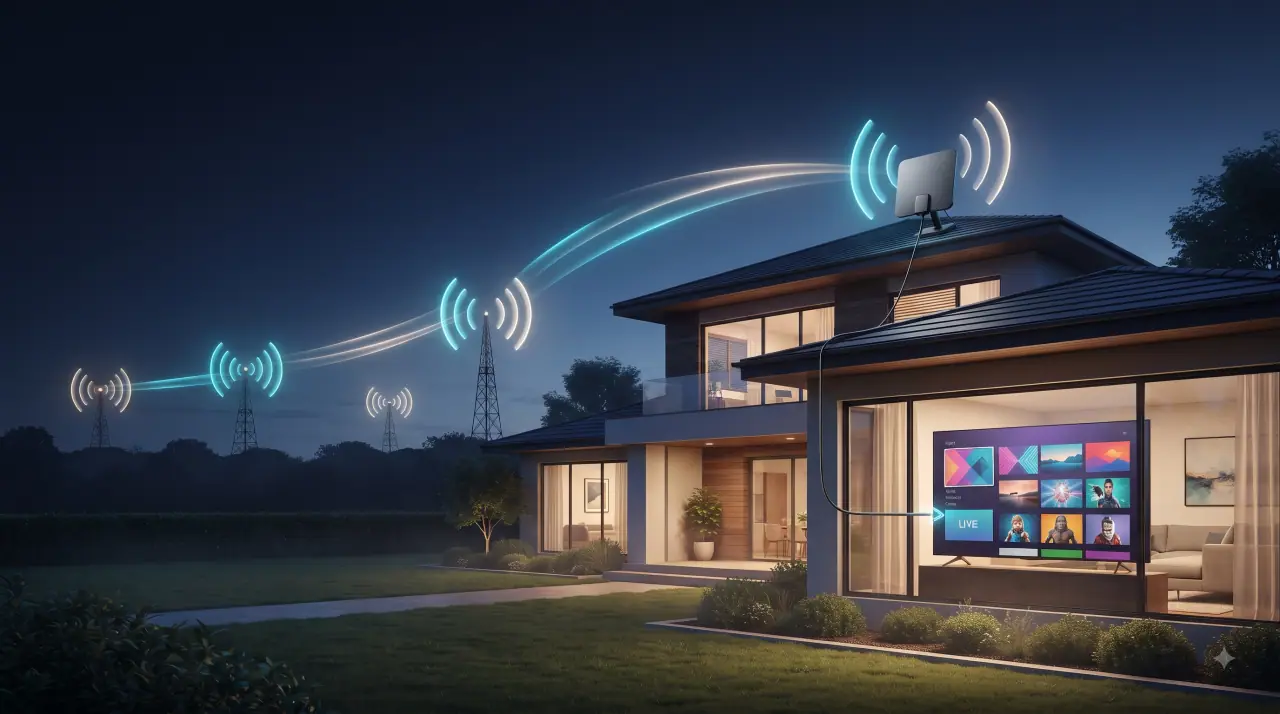
Local channels carry your regional news, weather, and network affiliate programming (ABC, CBS, NBC, FOX, PBS, and others) — content that national streaming apps generally don't include. For live sports broadcasts and severe weather coverage specifically, a local affiliate is often the only source.
Which Roku do you have?
This is the detail most guides skip, and it changes everything below: "Roku TV" is a specific product line — actual televisions (made by TCL, Hisense, and others) that run Roku's software and include a built-in ATSC tuner and antenna input. Standalone Roku devices — the Streaming Stick, Roku Express, Roku Ultra — are just streaming players. They have no tuner and nothing to plug an antenna into, regardless of what a universal "connect your antenna to the TV port" instruction might suggest.
Check your model before following antenna instructions: if you have a Roku Streaming Stick, Express, or Ultra (not built into your TV), skip to streaming options below.
Roku TV: antenna and channel scanning
If you have an actual Roku TV with a built-in tuner:
- Connect an HD antenna to the antenna/coaxial input on the back of the TV (not any of the HDMI ports).
- From the Home screen, go to Settings > TV inputs (or "Antenna TV," depending on model).
- Select Antenna TV and start a channel scan.
- Your Roku TV will detect and save available over-the-air channels for your area.
Reception depends on your distance from broadcast towers and any obstructions — a higher-gain antenna or better placement (near a window, higher up) can meaningfully improve results.
Streaming Roku devices: your options
If your Roku device doesn't have a tuner, you have two realistic paths instead of an antenna:
- Network affiliate apps. Many local stations and networks offer their own Roku channel with live or next-day local content, often free with a cable/streaming provider login.
- A separate over-the-air tuner device (like a Tablo or HDHomeRun) connected to your own antenna, which streams the antenna signal to a Roku channel app over your home network — effectively adding tuner functionality to a device that doesn't have one built in.
Local-style content via GetTV.online
If the appeal of local channels is really about not missing network programming and news, a GetTV.online subscription covers major network content as part of its channel lineup without needing a separate antenna setup at all. You can request a free trial to check channel availability for your area before subscribing.
FAQ
Can I plug an antenna into any Roku device?
No — only Roku TV models (actual televisions running Roku's software) have a built-in tuner and antenna input. Standalone streaming devices like the Roku Stick, Express, or Ultra don't have anywhere to connect an antenna.
How do I get local channels without a Roku TV?
Install your local network affiliates' own Roku channels if available, or use a separate networked antenna/tuner device (like a Tablo or HDHomeRun) that streams to a Roku app.
Why can't I find channels after scanning?
Reception depends on distance from broadcast towers and obstructions. Try repositioning the antenna near a window or higher up, or consider a higher-gain antenna.