
There isn't one "best" TV streaming app — the right choice depends on whether you want on-demand shows, continuous live channels, or both, and on which devices you'll actually be watching on. Here's how to evaluate a TV streaming app against what you actually need, rather than picking based on name recognition alone.
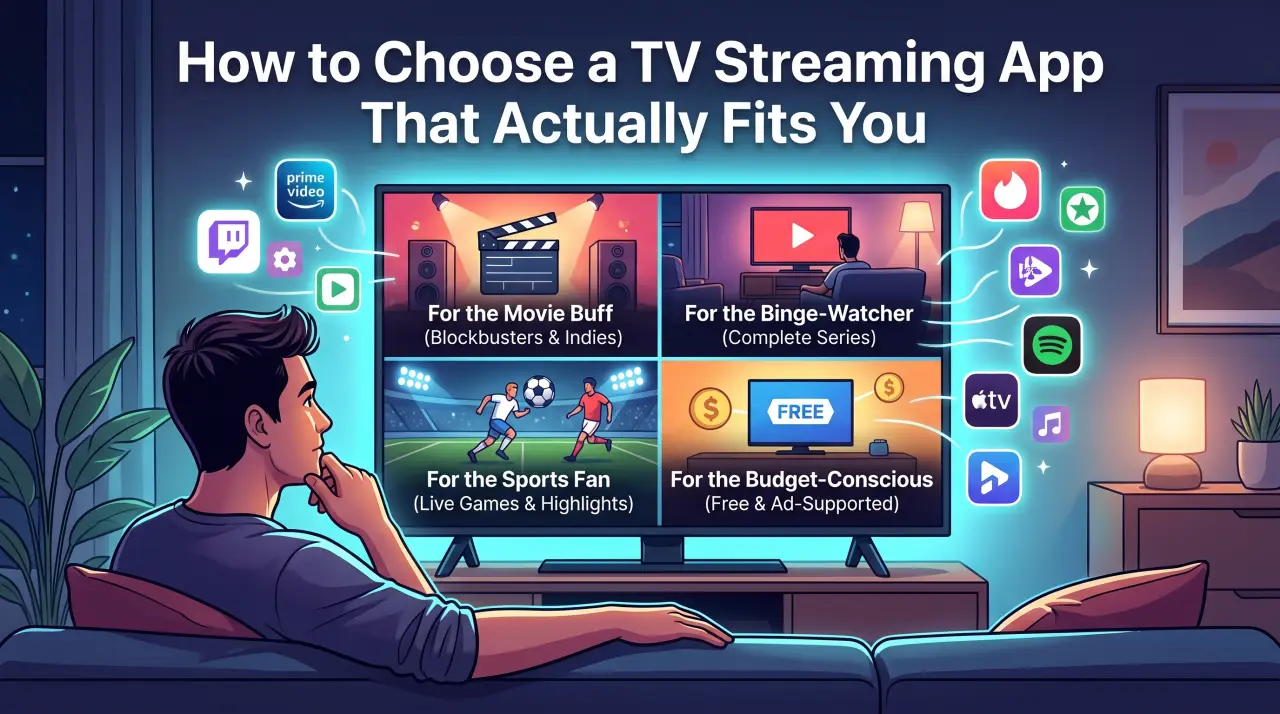
What to Check Before Choosing an App
- Content type: Does it offer an on-demand library, live channels, or both? These solve different viewing habits, not variations of the same thing.
- Device support: Confirm the app actually runs on your smart TV model, streaming stick, phone, or tablet — support varies more than people expect.
- Cost structure: A flat monthly fee, an ad-supported free tier, or a bundle with add-ons — each affects the real cost differently over time.
- Where it's downloaded from: An official app store listing or the provider's own site is safer than a third-party download link or unofficial APK.
- Internet requirements: Streaming quality depends on a stable connection, so check the app's recommended speed against your actual internet plan.
Start With Content Type, Not Brand Name
The single most useful filter is what kind of content you actually want. If you're mostly interested in browsing a library of shows and movies on your own schedule, that's the on-demand category — our breakdown of streaming apps covers how that differs from live TV in more depth. If you want channels playing continuously, including live sports and news, that's the live TV category, and our guide to live TV app types breaks down the specific sub-categories — provider companion apps, free ad-supported apps, cable-replacement bundles, and IPTV apps.
Picking based on content type first, before comparing specific apps within that category, avoids the common mistake of choosing something popular that doesn't actually match what you wanted to watch.
Evaluation Criteria at a Glance
| Criteria | Why it matters |
|---|---|
| Live channels vs. on-demand library | Determines whether the app actually matches your viewing habit |
| Device compatibility | An app that doesn't run well on your main TV or device isn't a practical fit regardless of content |
| Monthly cost vs. free/ad-supported | Stacking several paid apps can cost more than one broader subscription |
| Official distribution | Reduces risk compared to unofficial download sources |
What Setup Actually Looks Like
Most TV streaming apps follow the same basic setup pattern: install from an official app store, create or log into an account, and start watching. For a broader live-channel IPTV subscription like GetTV.online — which bundles 40,000+ live channels and 150,000+ movies and series into one app — the process is similar: install a player app, then enter your subscription's login details. Our guide to setting up IPTV on any device walks through that specific process across different device types.
FAQ
What's the difference between a live TV app and an on-demand app?
An on-demand app offers a library you browse and watch on your own schedule. A live TV app streams a continuous channel feed, similar to flipping to a channel on cable. Some apps combine both.
Do I need more than one streaming app?
It depends on your content needs. Some households use one broad app that covers both live channels and on-demand content; others combine a couple of more specialized apps. Comparing cost across both approaches is worth doing before committing to either.
Is a free streaming app worth using instead of a paid one?
Free, ad-supported apps typically offer a smaller or more general content selection than paid options. Whether that trade-off is worth it depends on how specific your content needs are.
How do I know if an app will work on my TV?
Check the app's official listing for your specific device and TV model before subscribing — support varies by app even among similar-looking devices. GetTV.online's free trial is one way to confirm compatibility with your own setup first.